7 best link in bio tools in 2026, compared on price and click tracking
By Alex, Founder, KreatorMesh · Published 3 October 2026
A link-in-bio tool gives you one web address to put in your TikTok, Instagram or YouTube profile, and a small page behind it that lists everything you want people to find: your shop, your newsletter, your latest video. Almost every tool does that part well. They differ on three things that decide which one you should use: what it costs, whether it can sell for you, and what it tells you about the people who tap. This page compares seven tools on those three, with prices read from each vendor’s own page in October 2026. One of the seven is ours, and its entry says so.
TL;DR
- Free, and the default: Linktree — the free plan covers most people. Traffic sources and countries need Pro, at $15 a month or $12 billed yearly.
- Selling digital products: Stan from $29 a month with no fee on sales, or Beacons free with a 9% seller fee that drops to 0% at $30 a month.
- Cheapest paid option: Carrd — from $9 a year, or $19 a year to connect your own analytics. A full one-page site, built by you.
- Built on your phone: Milkshake — a free app that makes swipeable “card” pages, with 30 days of click stats.
- You already need a scheduler: KreatorMesh — the page comes with every plan from $12 a month and shows which app sent each visitor. No free plan.
Quick comparison
Pricing read from each vendor’s own pricing page on the date shown. Scroll sideways on a phone.
| Tool | Best for | Click tracking | Pricing | Trade-off |
|---|---|---|---|---|
| Linktree | Most people, starting free | Free keeps 28 days of insights; traffic sources, countries and devices need Pro or Premium | Free; Starter $8/mo ($6 billed yearly); Pro $15/mo ($12 yearly); Premium $35/mo ($30 yearly) | The numbers that tell you where visitors come from start at Pro |
| Beacons | Creators who sell, starting free | Real-time analytics on the free plan; advanced traffic analytics listed in the paid tiers | Free (9% seller fee); Creator $10/mo ($8.33 yearly); Creator Plus $30/mo ($25 yearly, 0% seller fee); Creator Max $100/mo ($83.30 yearly) | Free plan takes 9% of every sale |
| Stan | Coaches and educators selling courses and calls | Store and product analytics on both plans; ad pixel tracking on Creator Pro | No free plan, 14-day trial; Creator $29/mo or $300/yr; Creator Pro $99/mo or $948/yr | No free plan, and $29 is a lot if you only need links |
| Later (Link in Bio) | People already scheduling with Later | Comes with Later’s analytics; I did not test the link-in-bio numbers separately | No free plan, 14-day trial; Starter $25/mo ($18.75 billed yearly); Growth $50/mo ($37.50 yearly); Scale $110/mo ($82.50 yearly) | Only worth it as part of Later’s scheduler; no X support |
| Milkshake | Building a page entirely on your phone | Link clicks and card views; 30 days on Free and Lite, 365 days on Pro | Free; Lite $2.99/mo; Pro $6.99/mo ($59.99/yr); Pro+ $10/mo ($99.99/yr) | App-first editing; the swipeable cards are not to everyone’s taste |
| Carrd | The lowest yearly cost for a full one-page site | None built in; connect Google Analytics, Plausible or Matomo on Pro Standard and up | Free (3 sites, Carrd branding); Pro Lite $9/yr; Pro Standard $19/yr; Pro Plus $49/yr. 7-day free Pro trial | You build and measure it yourself |
| KreatorMeshours | Creators who already need a scheduler and want to know which app sends visitors | Views, taps per link, source app and country on every plan; last 30 days | No free plan, 5-day trial; Starter $12/mo (3 accounts), Creator $29/mo (15), Pro $49/mo (unlimited). Link in bio on every plan | No free plan, no selling, no custom domain, and 30 days of numbers |
The 7 tools, in detail
1. Linktree
linktr.ee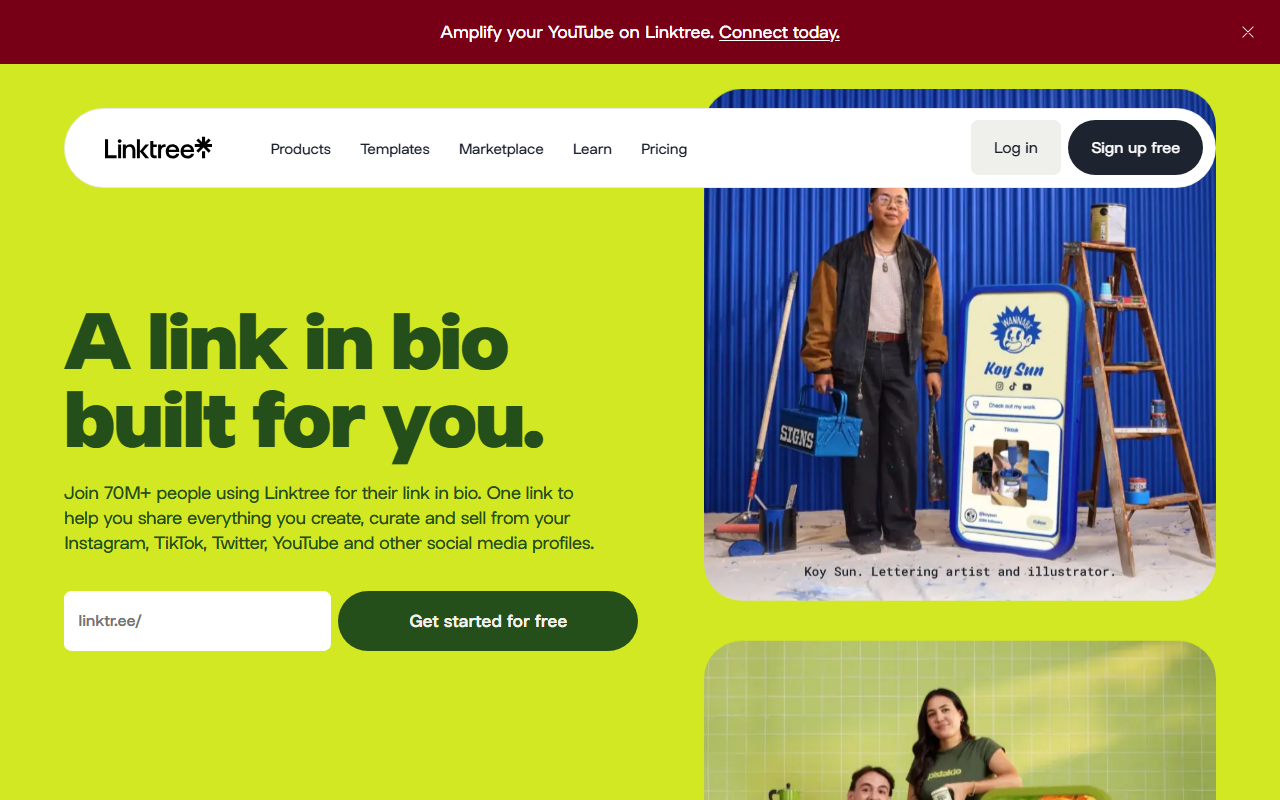
- What stands out
- Linktree is the tool most people mean when they say “link in bio”, and the free plan is genuinely usable: unlimited links, a decent set of themes, and sign-up forms for email and phone numbers. Over the years it has grown into a small creator platform, with a shop, Kajabi-powered courses, sponsored links and, on Premium, social post scheduling and Instagram auto-replies.
- Best for
- Most people, starting free
- Pricing (checked 3 October 2026)
- Free; Starter $8/mo ($6 billed yearly); Pro $15/mo ($12 yearly); Premium $35/mo ($30 yearly)
- Main strength
- Familiarity and polish. Visitors recognise a Linktree page and trust it, and the editor is the easiest on this list to get right first time.
- Watch out for
- The analytics are split across four tiers. Linktree’s own help centre says the Visitors section — traffic sources, a map of countries and cities, and devices — is available on Pro and Premium only, and history runs to 28 days on Free, 90 on Starter, 365 on Pro and lifetime on Premium. So the question “did TikTok or Instagram send more people this month” costs $12 to $15 a month to answer. Linktree’s pricing page lists 0% selling fees from Pro and says transaction fees may apply below that.
- Verdict
- Start here if you want free and familiar. Upgrade to Pro only when you need to know where visitors come from.
2. Beacons
beacons.ai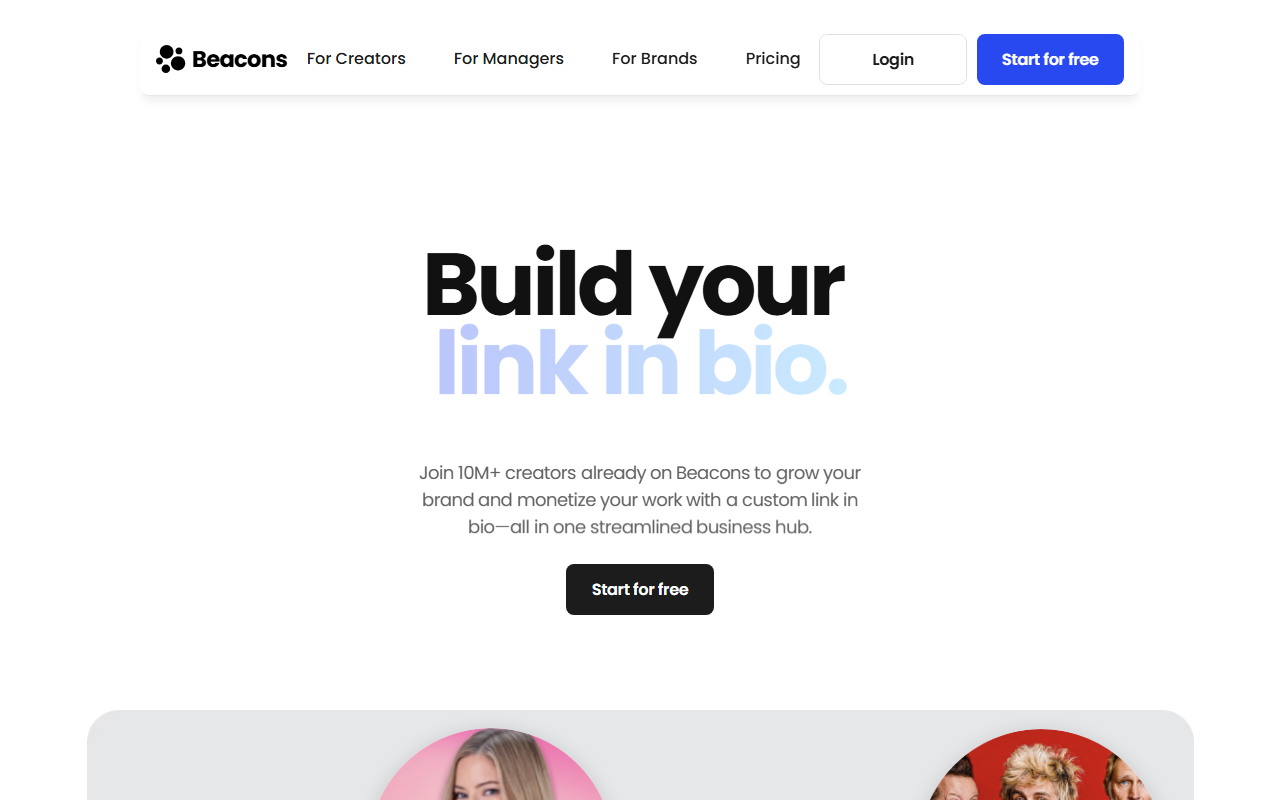
- What stands out
- Beacons treats the link-in-bio page as the front door of a whole creator business: a store for digital products, courses with video hosting, memberships, an auto-updating media kit for brand deals, email marketing and Instagram auto-DMs, with an AI assistant called Beam on top. Most of it is on the free plan in some form.
- Best for
- Creators who sell, starting free
- Pricing (checked 3 October 2026)
- Free (9% seller fee); Creator $10/mo ($8.33 yearly); Creator Plus $30/mo ($25 yearly, 0% seller fee); Creator Max $100/mo ($83.30 yearly)
- Main strength
- The most you can do for $0. If you sell a preset pack or an ebook and are not ready to pay a monthly fee, Beacons lets you start selling today and only pay when you sell.
- Watch out for
- The free plan’s 9% seller fee adds up: on $500 of sales in a month it is $45, more than Creator Plus costs. The break-even is around $333 a month in sales; above that, Creator Plus at $30 with 0% fees is cheaper. The page also does a lot, which makes it heavier to load than a plain list of links.
- Verdict
- The best free option for selling. Move to Creator Plus as soon as monthly sales pass about $330.
3. Stan
stan.store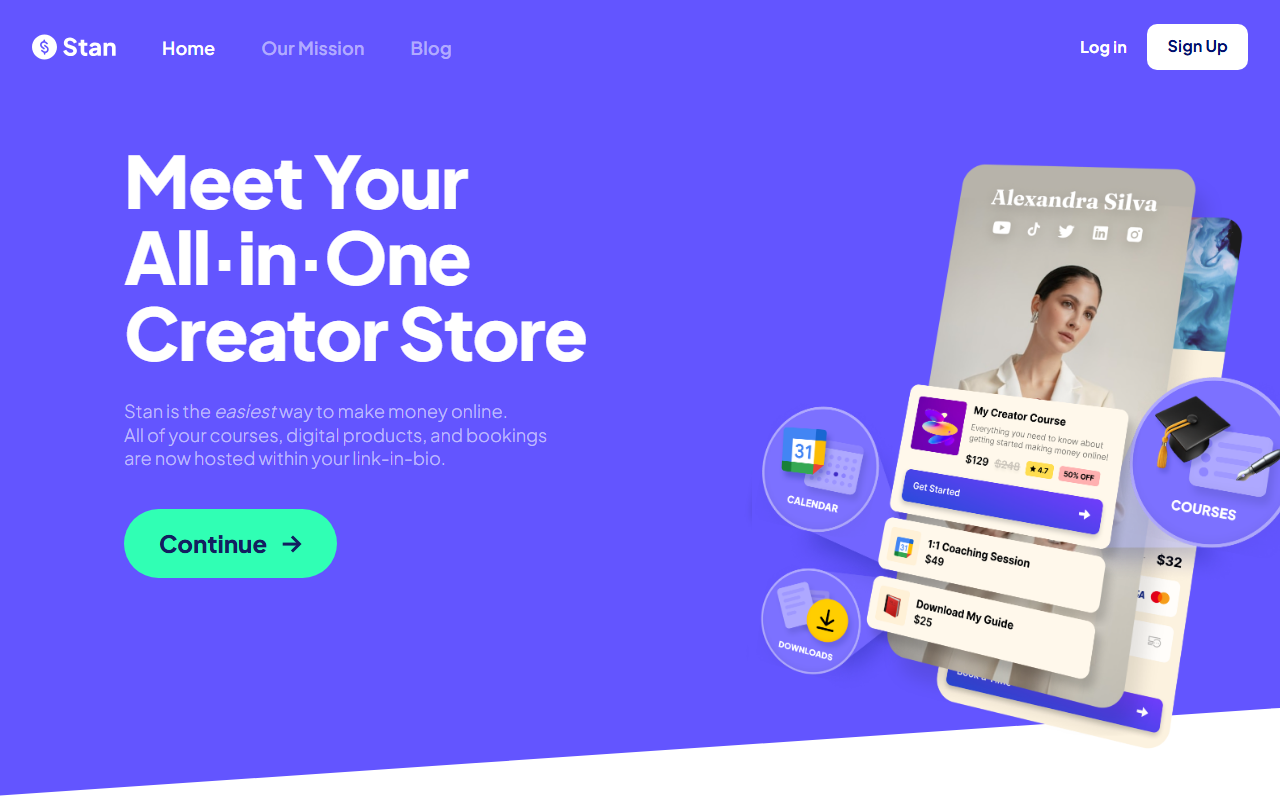
- What stands out
- Stan is a shop that lives in your bio. The page is built around products — courses, coaching calls with booking, digital downloads, memberships — with a one-tap checkout designed for phones. Stan takes no transaction fee on either plan; the payment processor’s own fees still apply.
- Best for
- Coaches and educators selling courses and calls
- Pricing (checked 3 October 2026)
- No free plan, 14-day trial; Creator $29/mo or $300/yr; Creator Pro $99/mo or $948/yr
- Main strength
- Checkout. For someone who sells a $49 coaching call or a $129 course to their audience, Stan’s purchase flow inside an in-app browser is the smoothest on this list, and 0% fees means the price is predictable.
- Watch out for
- Stan’s help centre says plainly that there is no free plan. If most of your page is links to other places rather than products, you are paying $29 a month for a store you do not use. Email flows, upsells, discount codes and affiliate tools are on Creator Pro at $99.
- Verdict
- The pick if selling is the point of the page. Overkill if it is not.
4. Later (Link in Bio)
later.com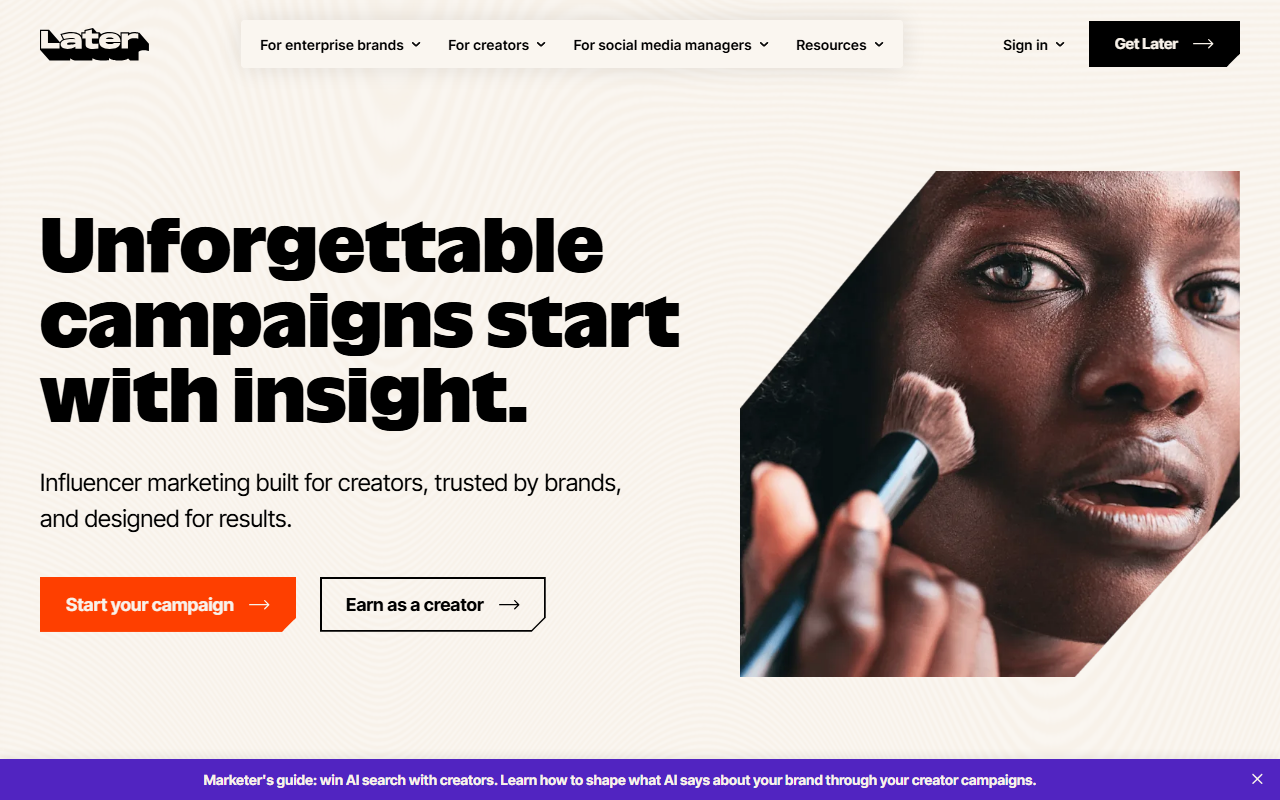
- What stands out
- Later’s Link in Bio started as a way to make an Instagram grid clickable: each post on the page links to the product or article it mentions. It is included in every Later plan, alongside scheduling for Instagram, TikTok, Facebook, Pinterest, LinkedIn, YouTube, Threads and Snapchat.
- Best for
- People already scheduling with Later
- Pricing (checked 3 October 2026)
- No free plan, 14-day trial; Starter $25/mo ($18.75 billed yearly); Growth $50/mo ($37.50 yearly); Scale $110/mo ($82.50 yearly)
- Main strength
- If you already pay for Later to schedule posts, the bio page costs nothing extra and stays in step with what you publish.
- Watch out for
- Nobody should buy Later for the bio page alone: the cheapest plan is $25 a month on monthly billing. Later does not support X. Starter caps scheduling at 30 posts per profile per month.
- Verdict
- Use it if you are a Later customer. Otherwise it is not a reason to become one.
5. Milkshake
milkshake.app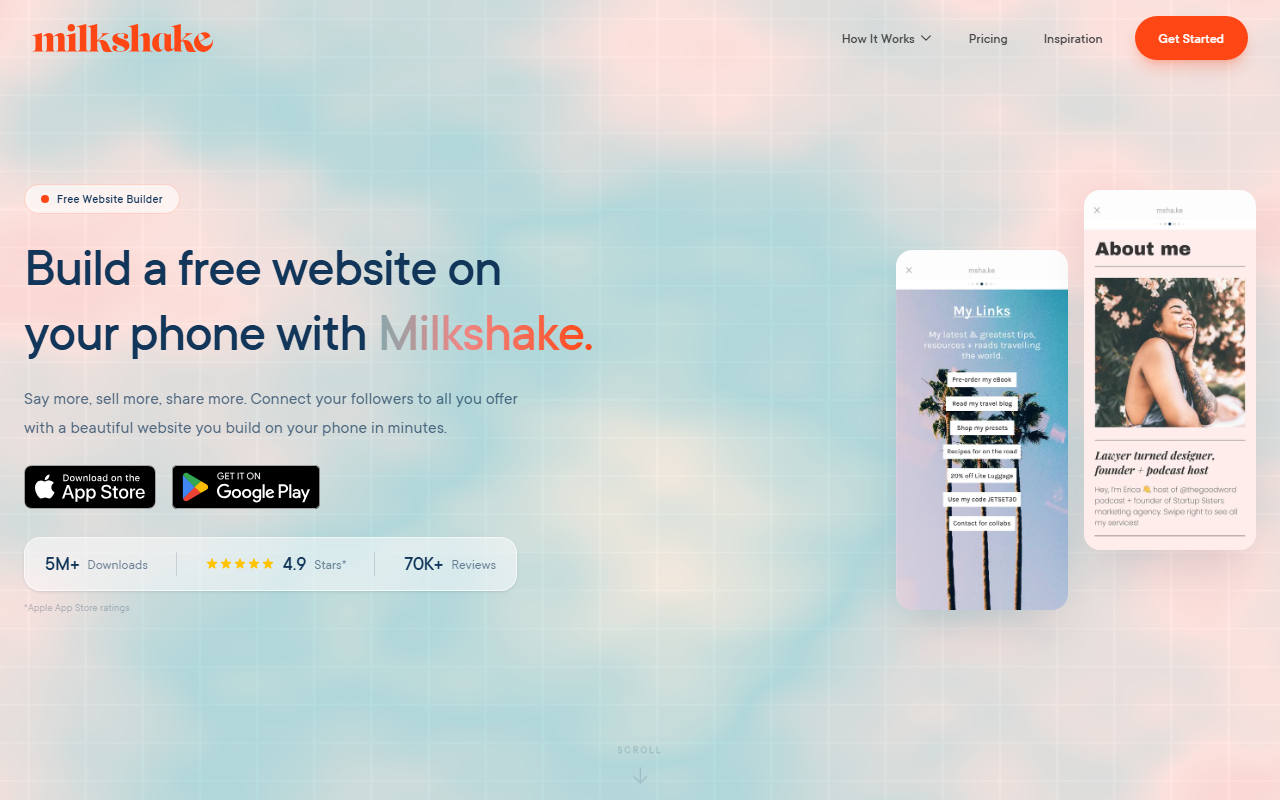
- What stands out
- Milkshake builds a small website out of “cards” that visitors swipe through like Instagram Stories — a links card, an about card, a shop card — and you make it entirely in a phone app. Its stats show daily and monthly link clicks and card views.
- Best for
- Building a page entirely on your phone
- Pricing (checked 3 October 2026)
- Free; Lite $2.99/mo; Pro $6.99/mo ($59.99/yr); Pro+ $10/mo ($99.99/yr)
- Main strength
- The nicest-looking free pages for the least effort, if you do your work on a phone anyway.
- Watch out for
- Swiping between cards is one more step between a visitor and the link they came for. The free plan keeps 30 days of insights; a year of history needs Pro.
- Verdict
- A good free choice for visual creators who never open a laptop.
6. Carrd
carrd.co
- What stands out
- Carrd is not a link-in-bio tool; it is a builder for one-page websites that happens to be excellent at being one. Prices are per year, not per month: $19 a year buys a custom domain, forms, embeds and analytics integrations.
- Best for
- The lowest yearly cost for a full one-page site
- Pricing (checked 3 October 2026)
- Free (3 sites, Carrd branding); Pro Lite $9/yr; Pro Standard $19/yr; Pro Plus $49/yr. 7-day free Pro trial
- Main strength
- Price and freedom. For the cost of one month of most tools here you get a year of a page that can look like anything you want.
- Watch out for
- There are no click statistics of its own. To see which links get tapped you connect Google Analytics or similar and set up event tracking, which takes an afternoon the first time. Building the page takes longer than filling in a links form.
- Verdict
- The best value if you are comfortable with a page builder and your own analytics.
7. KreatorMesh— this is ours; read the verdict with that in mind
kreatormesh.com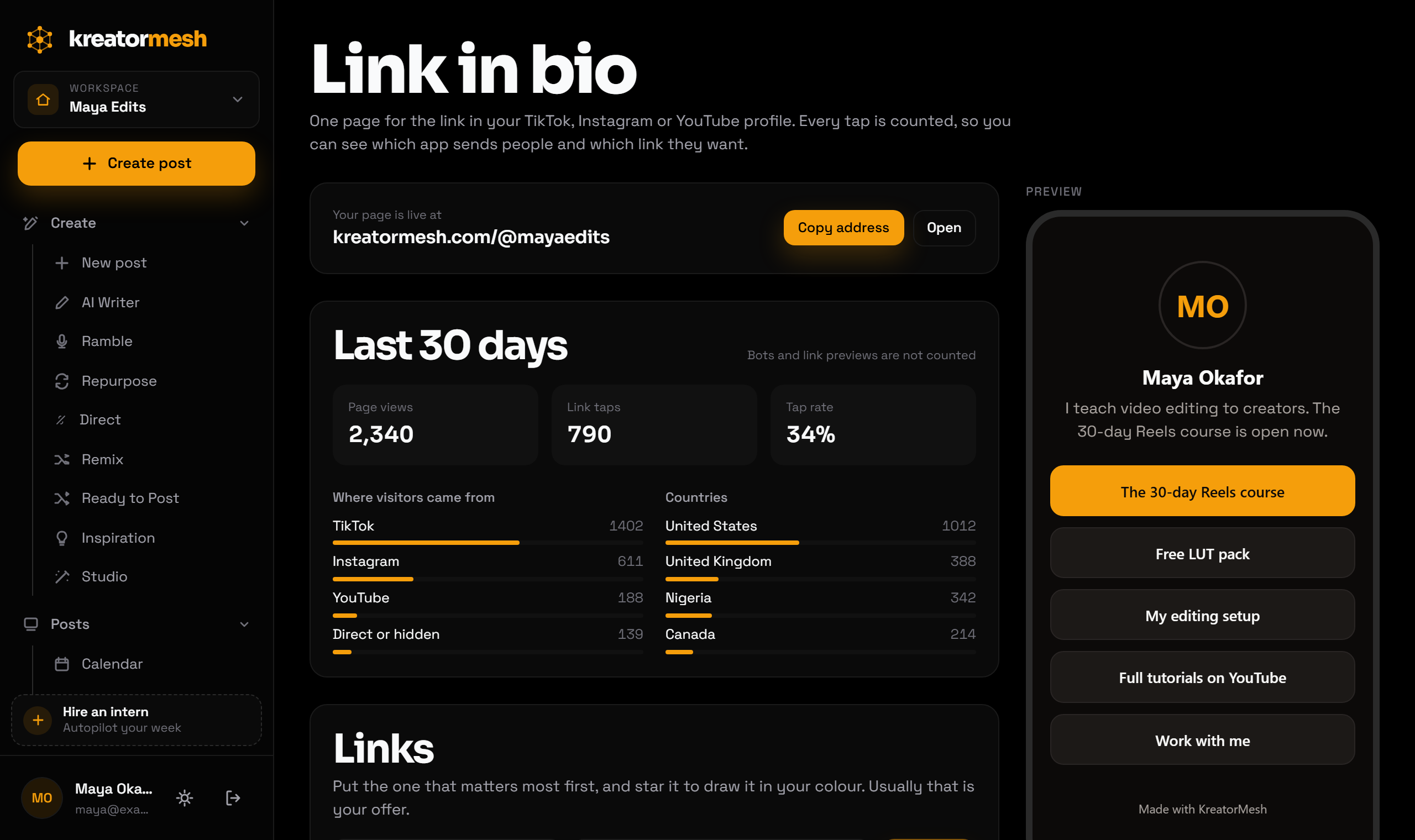
- What stands out
- The page lives at kreatormesh.com/@yourname and comes with KreatorMesh, a scheduler that publishes to ten platforms. Every link on it goes through a short KreatorMesh address that counts the tap before forwarding it, so the editor shows page views, taps on each link, and where visitors came from: TikTok, Instagram, Threads, Facebook and LinkedIn are recognised from their in-app browsers, and other apps from the referring website when they send one. It stores no cookies and no IP addresses, and ignores link-preview robots so one shared post does not inflate the count.
- Best for
- Creators who already need a scheduler and want to know which app sends visitors
- Pricing (checked 3 October 2026)
- No free plan, 5-day trial; Starter $12/mo (3 accounts), Creator $29/mo (15), Pro $49/mo (unlimited). Link in bio on every plan
- Main strength
- The question “which platform actually sends people to my offer” is answered on the $12 plan, next to the tool that published the posts. The page itself is a few kilobytes with no scripts, so it opens instantly in TikTok’s and Instagram’s own browsers.
- Watch out for
- There is no free plan, so if you only want a links page, Linktree’s free plan is the better deal. It cannot sell anything, collect emails or use your own domain, the “Made with KreatorMesh” line cannot be removed, and the numbers cover the last 30 days only. The design choices are a dark or light background and one accent colour. Pages are hidden from search engines for now.
- Verdict
- Worth it if you would pay for a scheduler anyway. Not worth it for the bio page alone.
How this list was put together
- Prices were read from each vendor’s own pricing page on 3 October 2026, in a browser set to US English. Linktree shows local currency in some countries; the US prices are quoted here. Where a vendor shows a discounted yearly price first, both the monthly and the yearly figure are given.
- What each tool tracks comes from the vendor’s own pages: Linktree’s help article “Understanding your Insights”, Stan’s “Creator vs. Creator Pro”, and the plan lists on the others. Where I could not confirm a detail from the vendor, the entry says so rather than guessing — Later’s link-in-bio analytics are the example.
- Lnk.Bio was considered and left out because it does not publish its prices on a public page. Tools that are now part of something else, or have shut down, were left out too.
- The order is by how many people each tool suits, not by score. KreatorMesh is ours and is listed last; its weaknesses are stated as plainly as everyone else’s.
How to choose
- You want free and you only need links
- Linktree. Add Pro later if you start needing to know where visitors come from.
- You sell digital products and want to start without a monthly fee
- Beacons free, then Creator Plus at $30 once sales pass about $330 a month and the 9% fee costs more than the plan.
- Selling courses or calls is the main job of the page
- Stan at $29 a month, for the checkout and 0% fees.
- You want the cheapest page you fully control
- Carrd Pro Standard at $19 a year, with your own analytics.
- You already pay for Later
- Use the Link in Bio that comes with it.
- You need a scheduler too, and want to know which platform brings visitors
- KreatorMesh from $12 a month: the page, per-app numbers and scheduling to ten platforms in one subscription.
Frequently asked questions
What is a link in bio tool?
A service that gives you one web address to put in your social media profile, and a small page behind it listing all the places you want people to go: your shop, your newsletter, your latest video. Profiles allow one link (Instagram allows up to five), so the page turns that single slot into as many links as you need, and you can change them without editing every profile.
Can everyone add a link to their TikTok bio?
No. TikTok’s help centre says you can add a website link to your profile if you have at least 1,000 followers, or if you have a Verified Business Account. Below that, the link field does not appear. When someone taps the link, it opens in TikTok’s own in-app browser.
Instagram allows five links now. Do I still need a link-in-bio page?
Instagram lets you add up to five websites to your profile. If Instagram is your only platform and five links are enough, you may not need one. A page earns its place when you post on several apps: one address to put everywhere, one place to update, and one set of numbers that compares the apps against each other.
Is Linktree free?
Yes, Linktree has a free plan with unlimited links and 28 days of insights. Paid plans are Starter at $8 a month ($6 billed yearly), Pro at $15 ($12 yearly) and Premium at $35 ($30 yearly), as listed on Linktree’s pricing page on 3 October 2026.
Which link in bio tool shows where visitors come from?
Linktree shows traffic sources, countries and devices on Pro and Premium, from $12 a month billed yearly. KreatorMesh shows the app each visitor came from and their country on every plan, from $12 a month, but keeps only the last 30 days. Carrd can show it through Google Analytics or a similar tool you connect yourself.
Which link in bio tool is best for selling digital products?
Stan and Beacons. Stan has no free plan but takes no fee on sales, from $29 a month. Beacons has a free plan that takes a 9% seller fee, which drops to 0% on Creator Plus at $30 a month. Linktree also sells, with 0% selling fees from its Pro plan.
Does a link-in-bio page slow down my profile visitors?
It can. Most taps happen inside TikTok’s or Instagram’s own browser on a phone, often on mobile data, and a page that loads a store, fonts and tracking scripts takes noticeably longer than a plain list. A slow page loses some visitors before they see your links. If speed matters to you, open your page on your phone over mobile data and judge it there.
Is it safe to use a link-in-bio tool with my accounts?
None of these tools needs your social media password. The page is a separate website; you paste its address into your profile yourself. Some tools ask to connect your accounts to show profile icons or analytics, and that connection uses each platform’s official sign-in.
Does KreatorMesh have a free link in bio?
No. The link-in-bio page comes with every KreatorMesh plan, from $12 a month, after a 5-day trial. If you only need a links page, Linktree’s or Beacons’ free plans cost nothing; KreatorMesh makes sense if you also need to schedule posts.
Are the prices on this page current?
Every price was read from the vendor’s own page on 3 October 2026, and the date is shown on each entry. Vendors change plans without notice; if a number looks different on their site today, their site is right and this page needs a refresh.
Try KreatorMesh
5-day trial, $0 due today. Your page at kreatormesh.com/@yourname is ready in a couple of minutes, with scheduling to ten platforms included.