9 best AI social media agents in 2026, compared
By Alex, Founder, KreatorMesh · Published 6 September 2026 · Updated 5 October 2026
Every social media tool now calls its AI an agent, so the word needs a definition before the list. An agent, as used here, is software that does at least two of four things without you: drafts the post, decides when and where it goes, publishes it to your connected accounts, and measures the result so the next draft is better. A tool that only writes captions is an assistant, however good the writing. The nine tools below are placed on that scale, with prices read from each vendor’s own page in September 2026. One of them is ours, and the entry says so.
TL;DR
- Most automation out of the box: Blotato — AI drafting, automated posting and 20 accounts from $29/mo, if you accept a credit system.
- A named "employee" that plans and writes: Sintra AI — Soshie plans a calendar and writes it, but publishing still runs through your scheduler.
- Simplest agent-ready publisher: post bridge — no AI of its own, but the API and MCP any agent you build can publish through, from $39/mo.
- Free to start: Buffer’s AI Assistant or Metricool’s free plan — both draft and schedule for $0, with caps.
- Video-first with evergreen recycling: SocialBee for text recycling; KreatorMesh for short-form video and a recycled library that reposts what worked.
- Learning what works on your audience: KreatorMesh — the only one that runs hook tests and turns the results into rules that check the next draft.
Quick comparison
Pricing read from each vendor’s own pricing page on the date shown. Scroll sideways on a phone.
| Tool | Best for | Platforms | Pricing | Trade-off |
|---|---|---|---|---|
| Blotato | The most automation for the least setup | Instagram, TikTok, YouTube, X, LinkedIn, Facebook, Threads, Pinterest, Bluesky | Starter $29/mo (20 accounts, 1,250 AI credits); Creator $97/mo (40 accounts); Agency $499/mo. 7-day trial; API excluded from trial | Credit-based, so heavy AI use costs more than the headline price; the API is not in the trial |
| Sintra AI | A conversational planner and writer that feels like a hire | Writes for any platform; publishing is through integrations rather than native connections | Sintra X (all helpers) $97/mo, or $48.50/mo billed annually; single helpers from $52/mo. 250 credits/month on every plan, top-ups extra | Credits are consumed by the advanced actions you bought it for; it does not hold your social accounts itself |
| Predis.ai | Generating finished visual posts and short videos from a text prompt | Instagram, Facebook, LinkedIn, TikTok, YouTube, Pinterest, X, Threads | $32/mo (1 social channel); $79/mo (40 channels); $249/mo (400 channels, unlimited brands). 30% off billed annually; credit-based generation | The entry plan covers one channel; the output looks generated unless you spend time on brand settings |
| Ocoya | A scheduler with an AI copywriter and e-commerce hooks | Instagram, Facebook, TikTok, X, LinkedIn, YouTube, Pinterest, Threads, Google Business | Starter $29/mo (1 brand, 5 profiles, 300 credits); Team $79/mo (5 brands, 20 profiles); Agency $199/mo (20 brands, 100 profiles). 7-day trial; two months free on yearly | Credit-based; the AI is a copywriter inside a scheduler rather than something that acts on its own |
| SocialBee | Evergreen recycling with unlimited AI writing | Facebook, Instagram, X, LinkedIn, Pinterest, Google Business, TikTok, YouTube, Threads, Bluesky | Bootstrap $29/mo (5 profiles); Accelerate $49/mo (10); Pro $99/mo (25). About 16% off billed annually; 14-day trial; unlimited AI content generation | Recycling is built for text and links; short-form video is supported but not the centre of the product |
| Buffer | Free AI drafting inside a scheduler you may already use | Instagram, Facebook, TikTok, X, LinkedIn, YouTube, Pinterest, Threads, Bluesky, Mastodon, Google Business | Free (3 channels, 10 queued posts per channel); Essentials $6/channel/mo billed monthly, $5 billed yearly; Team $12/channel/mo, $10 billed yearly. AI Assistant on every plan; MCP server included | The AI is an assistant, not an agent; ten queued posts per channel on free |
| Metricool | Measurement first, with AI drafting and an MCP server on the free plan | Instagram, Facebook, TikTok, X, LinkedIn, YouTube, Pinterest, Threads, Bluesky, Google Business, Twitch | Free (1 brand, 20 posts/mo, MCP included); Starter from $20/mo (up to 10 brands); Advanced from $53/mo | Twenty posts a month on free; the AI writer is secondary to the analytics |
| post bridge | The publisher an agent you build talks to | Instagram, TikTok, YouTube, X, LinkedIn, Facebook, Threads, Pinterest, Bluesky, Google Business | Marketer $39/mo (15 accounts); Operator $99/mo (99 accounts, then $1 each). Unlimited posts on paid plans; free users get 5 a month; API and MCP on both paid plans | No AI of its own; it is the hands, not the brain |
| KreatorMeshours | Short-form video creators who want the tool to learn what works on their audience | TikTok, Instagram, YouTube, X, LinkedIn, Facebook, Threads, Pinterest, Bluesky, Google Business | Starter $12/mo (3 accounts); Creator $29/mo (15 accounts, API and MCP); Pro $49/mo (unlimited). No free tier; 5-day trial needs a card | No free tier; the ruleset is empty until a hook test concludes, which takes weeks by design |
The 9 tools, in detail
1. Blotato
www.blotato.com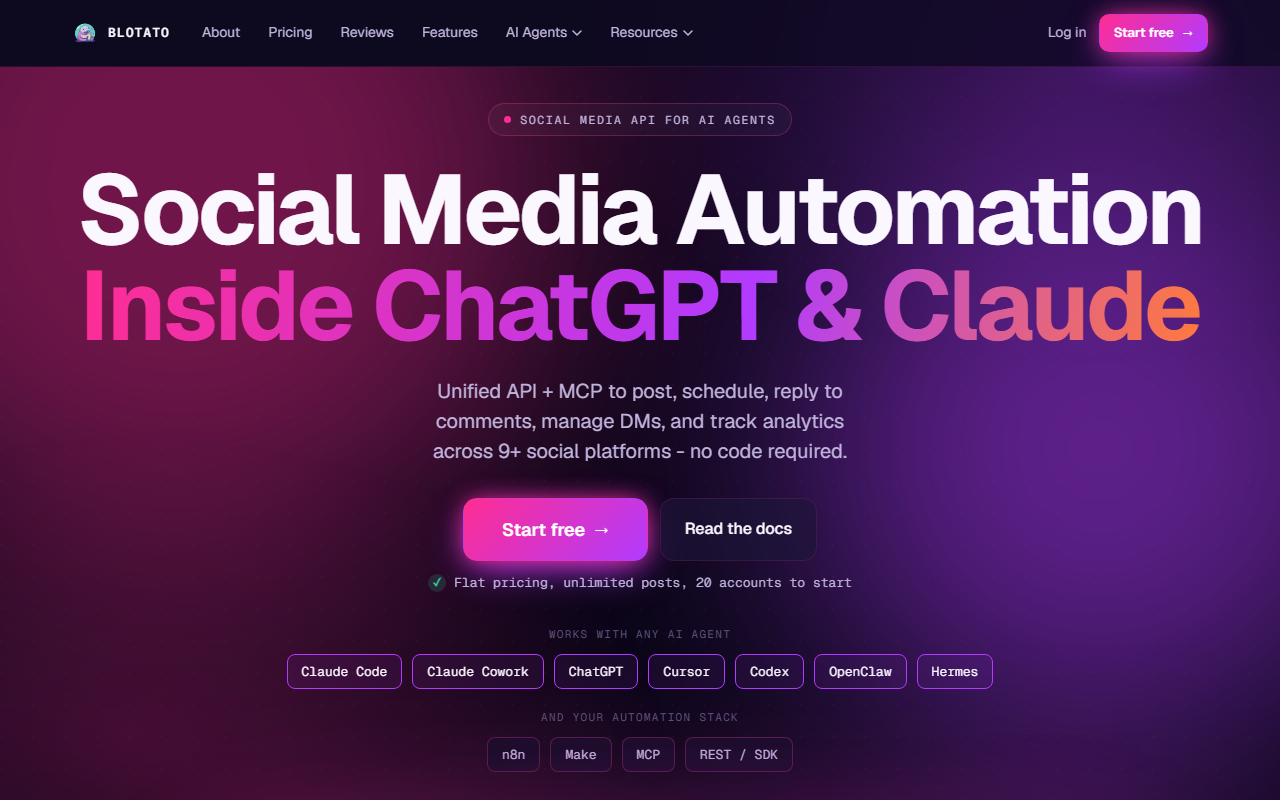
- What stands out
- Drafts, video generation, automated remixing of one idea into many formats, and publishing to 20 accounts, all behind one credit balance. Blotato does draft, publish and a reasonable amount of decide (it can run recurring automations) — three of the four on the agent scale.
- Best for
- The most automation for the least setup
- Pricing (checked 19 September 2026)
- Starter $29/mo (20 accounts, 1,250 AI credits); Creator $97/mo (40 accounts); Agency $499/mo. 7-day trial; API excluded from trial
- Main strength
- Breadth. If the goal is to produce a lot of content across many accounts with minimal hands-on time, this covers the most ground per dollar.
- Watch out for
- Credits. 1,250 a month sounds generous until video generation eats them; check the credit cost of the features you actually want before assuming the $29 tier is enough. Measurement is basic compared with a dedicated analytics tool.
- Verdict
- The strongest general-purpose pick on this list for volume. Less strong if the question is whether the content is any good.
2. Sintra AI
sintra.ai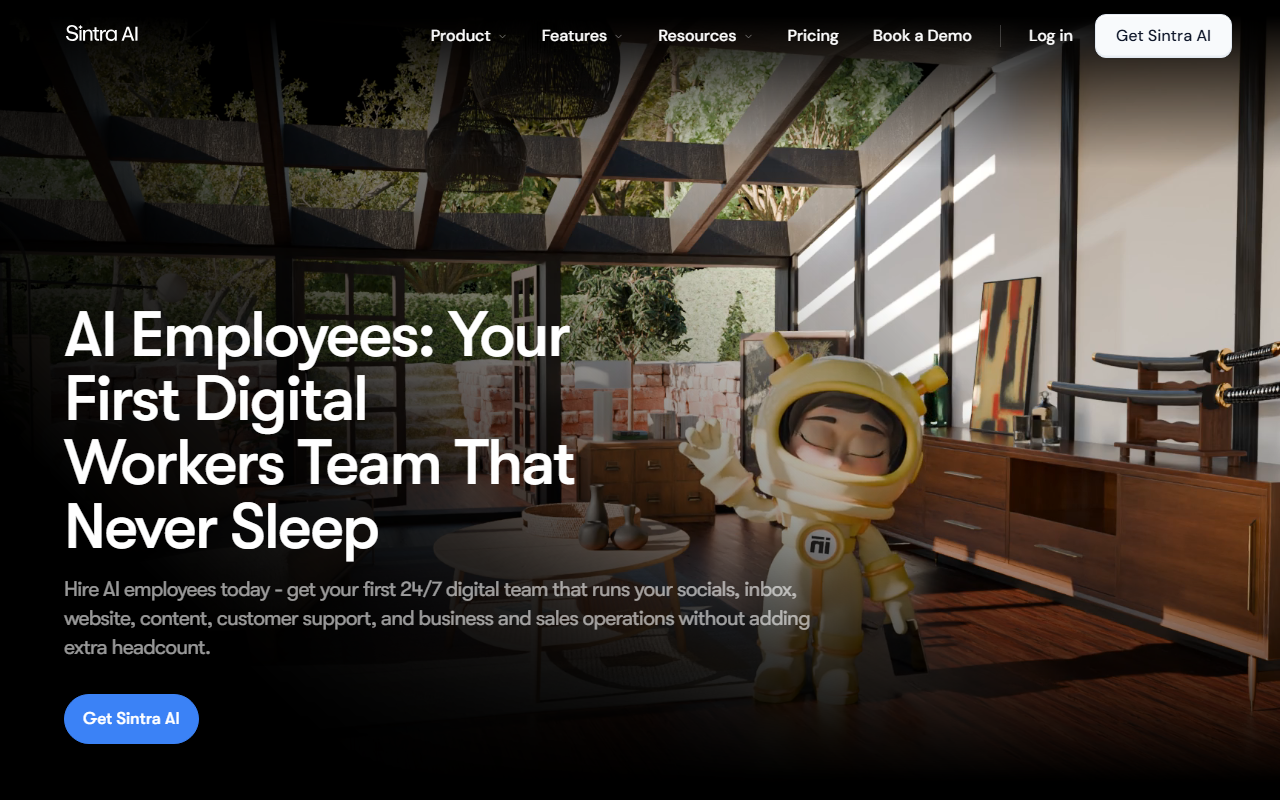
- What stands out
- Sintra sells named "helpers" — Soshie is the social media one — that you brief like a person. Soshie will build a content calendar, write platform-specific copy in your voice, and suggest replies. It does draft and some decide; publish and measure depend on what it is connected to.
- Best for
- A conversational planner and writer that feels like a hire
- Pricing (checked 19 September 2026)
- Sintra X (all helpers) $97/mo, or $48.50/mo billed annually; single helpers from $52/mo. 250 credits/month on every plan, top-ups extra
- Main strength
- The most natural way to plan a month of content in conversation, for someone who wants a collaborator rather than a form to fill in.
- Watch out for
- It is a writer and planner first. Getting posts onto your accounts on a schedule still needs a publishing tool, and 250 credits a month runs out fast if you lean on the advanced actions.
- Verdict
- Choose it for planning and writing. Pair it with one of the publishers on this list rather than expecting it to be one.
3. Predis.ai
predis.ai
- What stands out
- Type a line about your business and Predis returns a designed carousel, a captioned image or a short video, ready to schedule. It also runs competitor analysis. On the agent scale it is strongest at draft, with publish and a scheduler included.
- Best for
- Generating finished visual posts and short videos from a text prompt
- Pricing (checked 19 September 2026)
- $32/mo (1 social channel); $79/mo (40 channels); $249/mo (400 channels, unlimited brands). 30% off billed annually; credit-based generation
- Main strength
- Visual output. For a business with no designer that needs branded posts every day, it produces something usable faster than anything else here.
- Watch out for
- The $32 tier connects one social channel, which is tight. The templates are recognisable once you have seen a few Predis-generated feeds, so the brand kit setup is not optional.
- Verdict
- Right for e-commerce and local businesses that need volume with visuals. Less right for creators whose voice is the product.
4. Ocoya
www.ocoya.com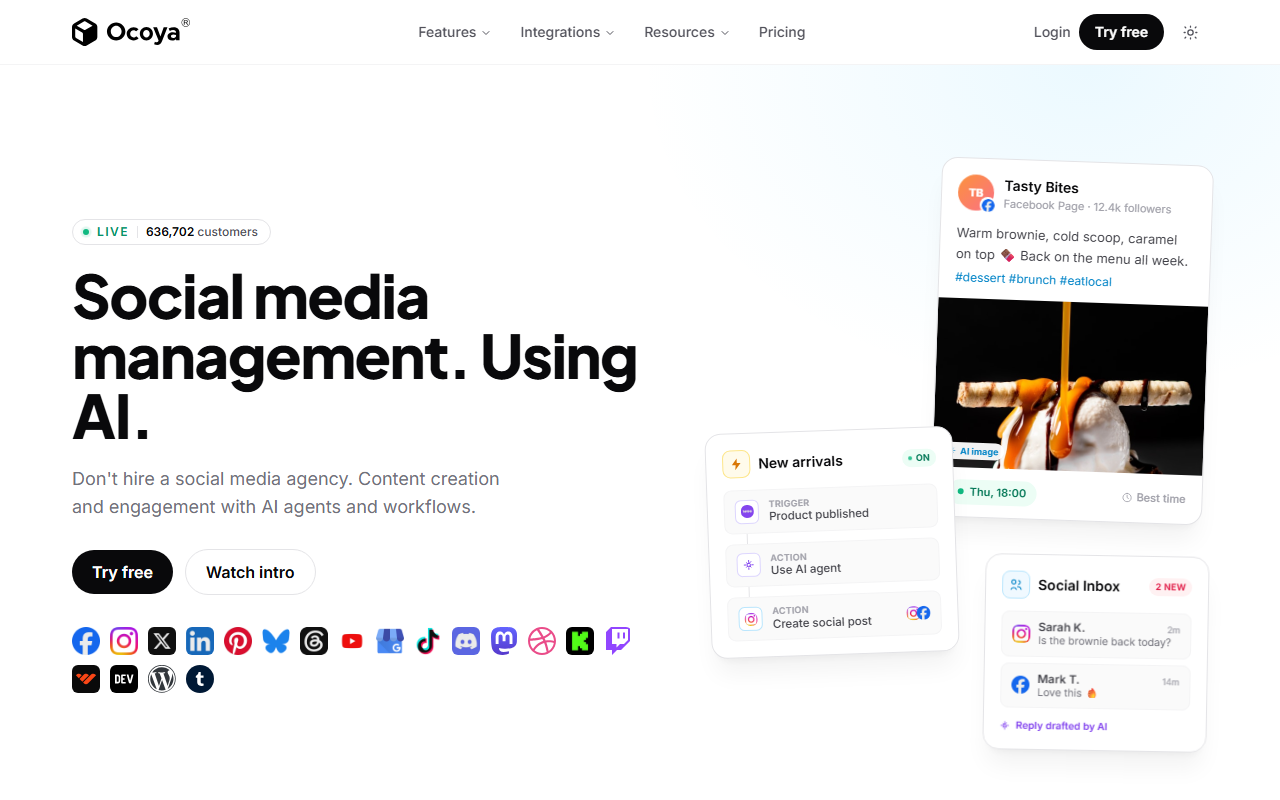
- What stands out
- A conventional scheduler with an AI writer, a design tool and product-feed integrations for Shopify-style stores, so a product can become a post in a few clicks. Draft and publish, with the deciding left to you.
- Best for
- A scheduler with an AI copywriter and e-commerce hooks
- Pricing (checked 19 September 2026)
- Starter $29/mo (1 brand, 5 profiles, 300 credits); Team $79/mo (5 brands, 20 profiles); Agency $199/mo (20 brands, 100 profiles). 7-day trial; two months free on yearly
- Main strength
- The e-commerce integration. If posts are mostly products, Ocoya removes the copy-paste between the store and the scheduler.
- Watch out for
- Do not read the word agent into it. Ocoya writes when asked and publishes when scheduled; it does not plan or measure for you. 300 credits on Starter is enough for captions, not for daily image generation.
- Verdict
- A good AI-assisted scheduler for stores. Not an agent in the sense defined above.
6. Buffer
buffer.com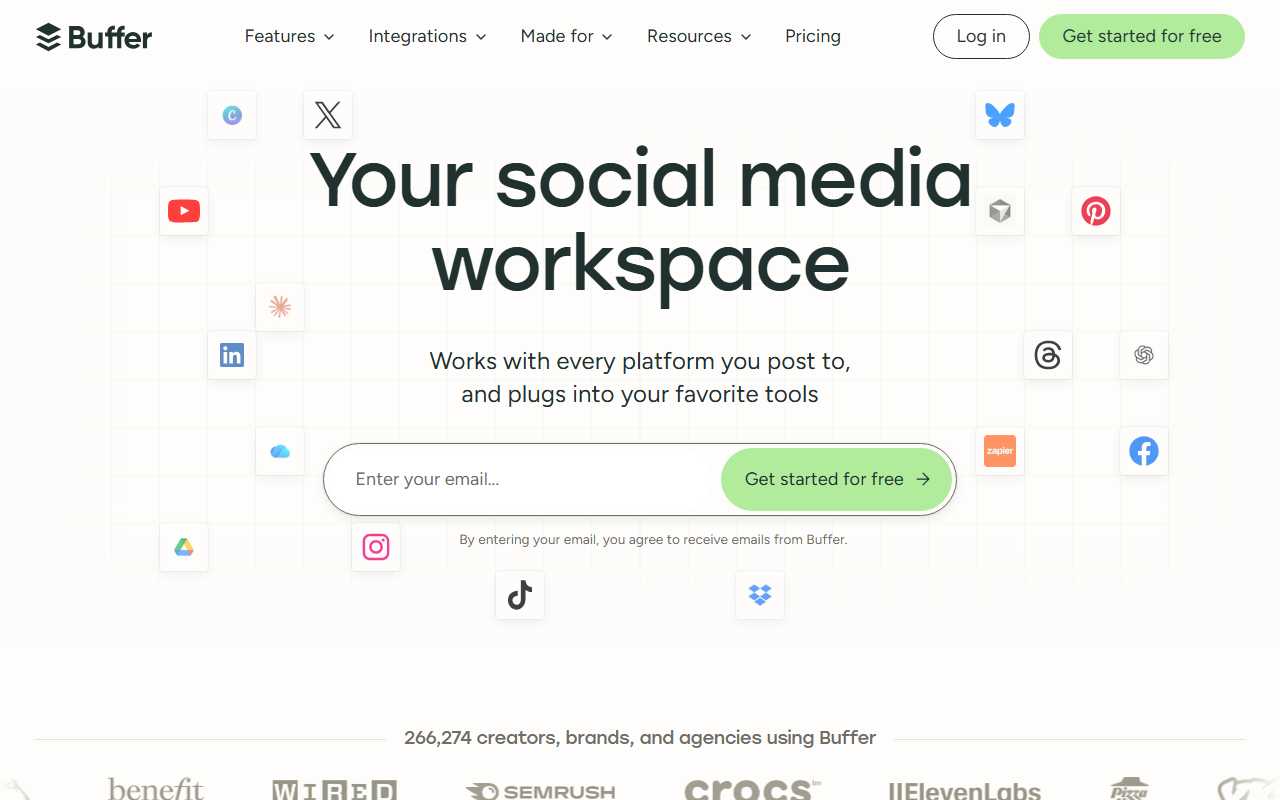
- What stands out
- Buffer’s AI Assistant rewrites, shortens and generates ideas inside the composer, and Buffer ships an MCP server, so an assistant like Claude can schedule through it. On the scale: draft (assisted) and publish. Decide and measure are yours.
- Best for
- Free AI drafting inside a scheduler you may already use
- Pricing (checked 3 October 2026)
- Free (3 channels, 10 queued posts per channel); Essentials $6/channel/mo billed monthly, $5 billed yearly; Team $12/channel/mo, $10 billed yearly. AI Assistant on every plan; MCP server included
- Main strength
- Zero cost and zero learning curve. If you want AI help with captions and already schedule in Buffer, there is nothing to switch to.
- Watch out for
- Do not expect it to plan or act. The AI Assistant is autocomplete with taste. The free plan’s ten-post cap per channel is the usual reason people move on.
- Verdict
- The free starting point. Outgrow it into one of the tools above when the cap or the lack of planning bites.
7. Metricool
metricool.com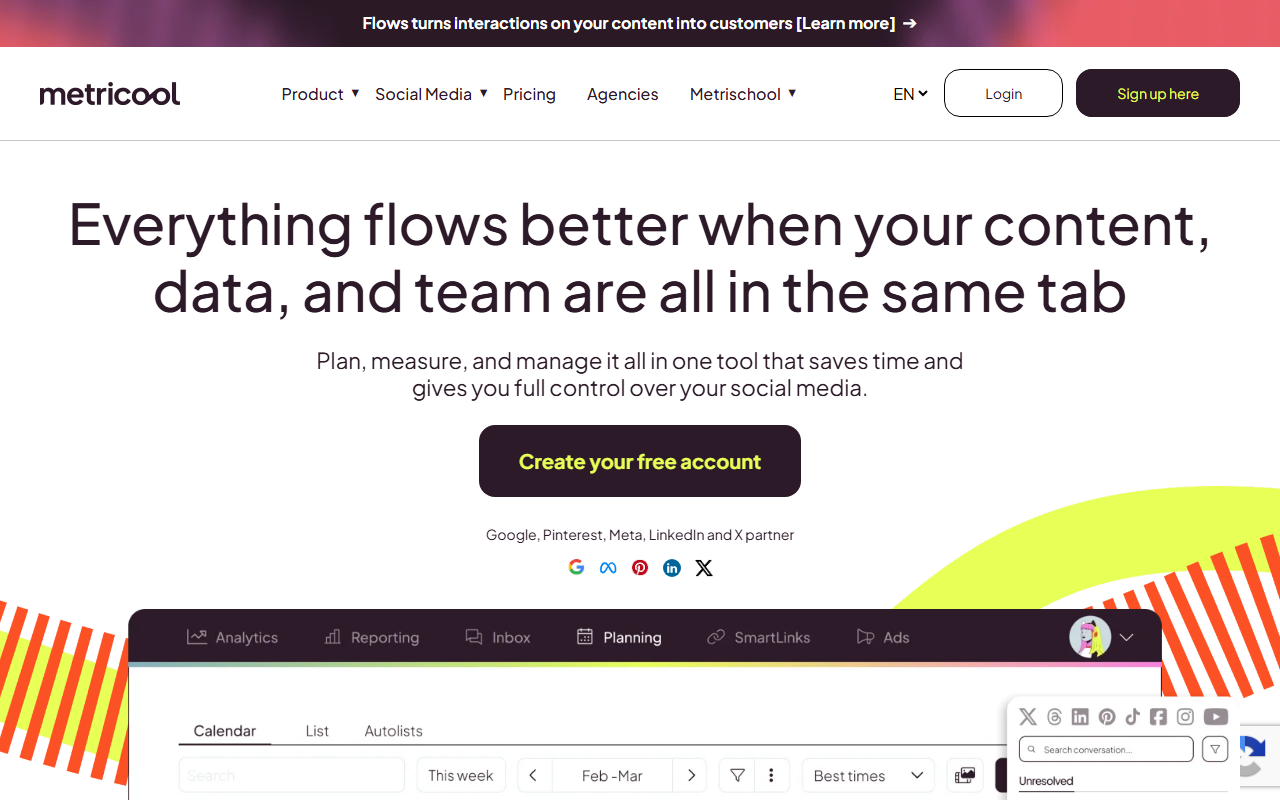
- What stands out
- The strongest measure on this list — analytics, competitor tracking, best-time-to-post — plus an AI caption writer and, unusually, an MCP server on the free plan so an agent can read your numbers and post through it. Draft (light), publish, and measure.
- Best for
- Measurement first, with AI drafting and an MCP server on the free plan
- Pricing (checked 19 September 2026)
- Free (1 brand, 20 posts/mo, MCP included); Starter from $20/mo (up to 10 brands); Advanced from $53/mo
- Main strength
- Knowing what happened. Most tools here tell you a post went out; Metricool tells you whether it worked and what the competitor did instead.
- Watch out for
- The AI writing is basic and the free plan’s 20 posts a month is tight for daily posters. It reports; it does not decide.
- Verdict
- The analytics half of an agent, free. Pair it with a drafting tool, or point your own agent at its MCP.
8. post bridge
www.post-bridge.com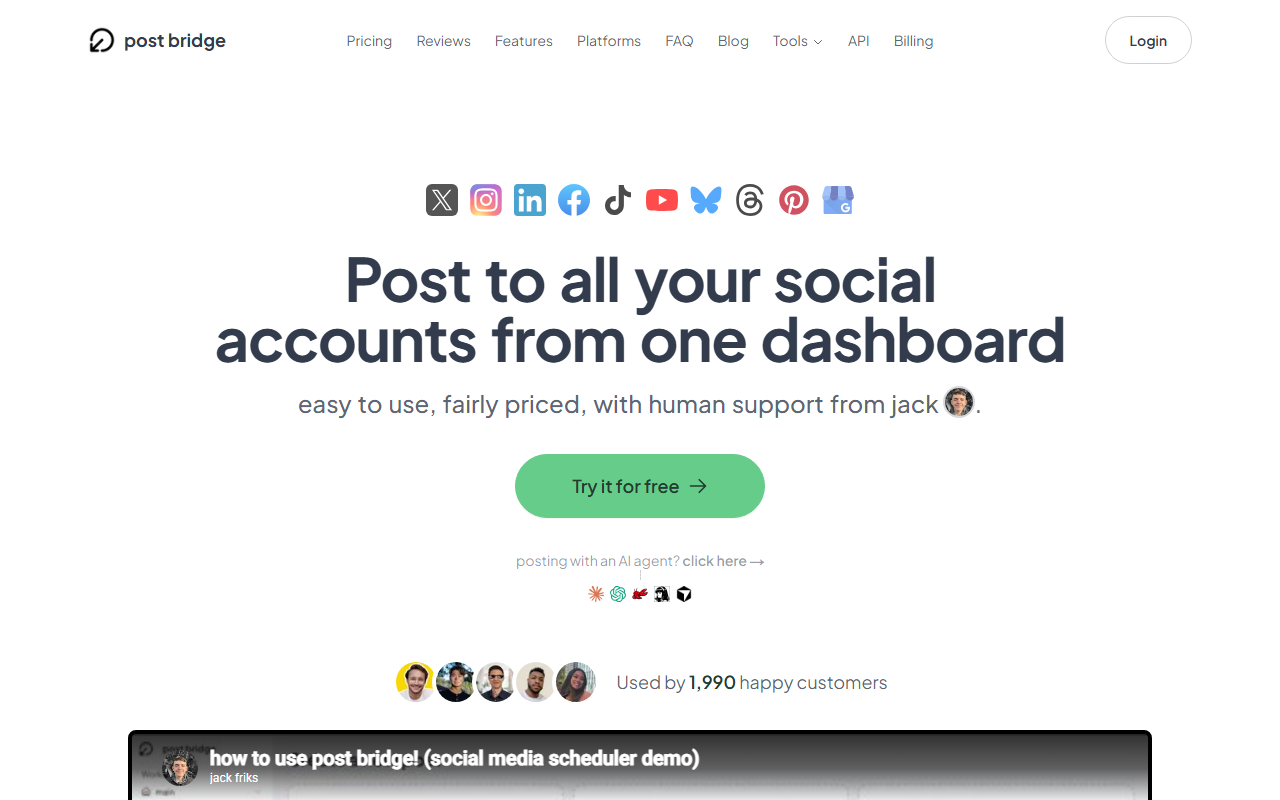
- What stands out
- post bridge does not draft or decide. What it does is expose every publishing action as a clean API and MCP server, so ChatGPT, Claude, an n8n workflow or your own script can publish to ten platforms without touching each platform’s API. Publish only, done well.
- Best for
- The publisher an agent you build talks to
- Pricing (checked 5 October 2026)
- Marketer $39/mo (15 accounts); Operator $99/mo (99 accounts, then $1 each). Unlimited posts on paid plans; free users get 5 a month; API and MCP on both paid plans
- Main strength
- Simplicity and price for pure distribution. If you already have an agent that produces content, this is the simplest reliable way to give it accounts.
- Watch out for
- It will not help you decide what to post or tell you whether it worked. Bring your own brain.
- Verdict
- Not an agent; the best publishing layer for one. Recommended here and on our own site for that job.
9. KreatorMesh— this is ours; read the verdict with that in mind
kreatormesh.com
- What stands out
- Four things on the agent scale. Draft: from a voice note or a long video, with captions per platform. Publish: native TikTok, Reels and Shorts plus seven more. Decide: an evergreen library that reposts what performed, and an autopilot that queues drafts for a daily review. Measure: hook tests that post variants to your own audience, pick a winner, and write a rule that every later draft is checked against. An MCP server exposes all of it, so Claude or ChatGPT can run the loop from a chat.
- Best for
- Short-form video creators who want the tool to learn what works on their audience
- Pricing (checked 19 September 2026)
- Starter $12/mo (3 accounts); Creator $29/mo (15 accounts, API and MCP); Pro $49/mo (unlimited). No free tier; 5-day trial needs a card
- Main strength
- The measure step. Every other tool on this list either skips it or reports it; this one turns it into a rule the next draft is checked against.
- Watch out for
- No free tier, and the trial needs a card ($1 verification, refunded immediately). Rules only exist after a test has run to the end, so the first weeks are ordinary scheduling. Fewer integrations than post bridge; younger than everything above it.
- Verdict
- Ours, so weigh this accordingly. Choose it if the bottleneck is knowing what works on your audience, not getting posts out. Choose Blotato for volume, post bridge for distribution, Buffer or Metricool for free.
How this list was put together
- Every price was read from the vendor’s own pricing page on 19 September 2026, not from another list. The date is shown on each entry.
- "Agent" is defined once at the top — draft, decide, publish, measure — and each entry says which of the four the tool actually does. Vendors use the word for everything from autocomplete to scheduled automation, and the reader deserves to know which they are buying.
- Each tool is described on the same six points so the entries can be compared rather than only read.
- Tools that only write (ChatGPT, Claude, Jasper) are excluded because they cannot reach your accounts. Tools that only clip video (Opus Clip and similar) are excluded because they stop at the export. Both are useful; neither is an agent by the definition above.
- KreatorMesh is included and marked as ours. Its entry names the weaknesses — no free tier, an empty ruleset at first, a young product — and post bridge, Blotato, Buffer and Metricool are recommended above it for the jobs they do better.
How to choose
- You want the most content produced with the least effort
- Blotato. Watch the credit balance for the first month to see whether $29 actually covers your usage.
- You want to plan in conversation with something that remembers your brand
- Sintra AI, plus a publisher. Soshie writes the calendar; Buffer, post bridge or KreatorMesh puts it on the accounts.
- You are building your own agent and need it to publish
- post bridge for the simplest clean API and MCP. KreatorMesh if you also want the agent to check drafts against hook-test rules. Metricool if it mainly needs to read analytics.
- You have no budget
- Buffer for drafting help inside a scheduler; Metricool for analytics and an MCP on the free plan. Both cap your posts.
- Your best posts are timeless and you want them recycled
- SocialBee for text and links. KreatorMesh for short-form video.
- You post video daily and cannot tell which hooks work
- KreatorMesh. It is the only tool here that tests hooks on your own audience and applies the result.
Frequently asked questions
What is an AI social media agent?
Software that does at least two of these without you: drafts the post, decides when and where it goes, publishes it to your connected accounts, and measures the result so the next one is better. A tool that only writes captions is an assistant. Most products called agents in 2026 do draft and publish; few do decide or measure.
Which AI social media agent should I choose?
Match it to your bottleneck. If you need volume, Blotato. If you need planning in conversation, Sintra. If you already have content and need distribution, post bridge. If you have no budget, Buffer or Metricool. If you post short-form video and want to know which hooks work, KreatorMesh.
Can an AI agent publish to my social accounts on its own?
Only through a tool that holds the account connections; a model has no access to your accounts by itself. Buffer, Metricool, post bridge and KreatorMesh expose MCP servers, which are the standard way to let Claude, ChatGPT or Cursor drive a tool. Blotato and post bridge also expose REST APIs for scripts and workflow tools like n8n.
Is any of this actually autonomous?
Not in the sense the word implies. Drafting, scheduling and recycling work well with a person approving the output; every tool here still expects that. Deciding what your business should say, and to whom, is not something any of them does, and a vendor claiming otherwise is selling the word rather than the capability.
What do AI credits mean and why do most of these tools use them?
A credit is a unit of AI usage the vendor sells in monthly bundles; generating an image or video costs more credits than a caption. Blotato, Sintra, Predis and Ocoya all price this way because their own AI costs scale with use. SocialBee and Buffer include AI writing without credits. Before choosing a credit-based plan, check what your typical month would consume.
Which agents work with ChatGPT or Claude directly?
Any tool with an MCP server: Buffer, Metricool, post bridge and KreatorMesh on this list. Connect the server in Claude or ChatGPT and the assistant can schedule, list posts and (for Metricool and KreatorMesh) read performance from the chat. There is a separate comparison of social media MCP servers on this site.
Is KreatorMesh free?
No. Plans start at $12 a month and the 5-day trial needs a card ($1 verification, refunded immediately). AI generation and X’s paid API cost us money per use, and a free tier funded by paying customers tends to make the paid product worse. Buffer and Metricool above are the free recommendations, made in good faith.
Do these tools handle short-form video?
All nine can publish video. Blotato and Predis can generate it. KreatorMesh treats it as the primary post type, with native TikTok, Reels and Shorts publishing and hook tests built around video openings. SocialBee and Buffer support it but are built around text and links.
What about Hootsuite, Sprout Social and the enterprise suites?
They have AI features and are good tools for teams, but their AI is assistive and their prices start at $99 per user per month. They are covered in the Buffer alternatives article on this site rather than here, because nobody shopping for an agent at $29 should be reading about them.
Are the prices on this page current?
Every price was read from the vendor’s pricing page on 19 September 2026 and the date is shown on each entry. If a number differs on the vendor’s site today, their site is right and this page needs a refresh.
Try KreatorMesh
5-day trial, $0 due today. Connect your accounts and publish your first post in minutes.
5. SocialBee
socialbee.com